Features
Everything a published app can do.
One mortgage calculator, built from one workbook, with every option turned on. Every picture below is the real app, not a mockup.
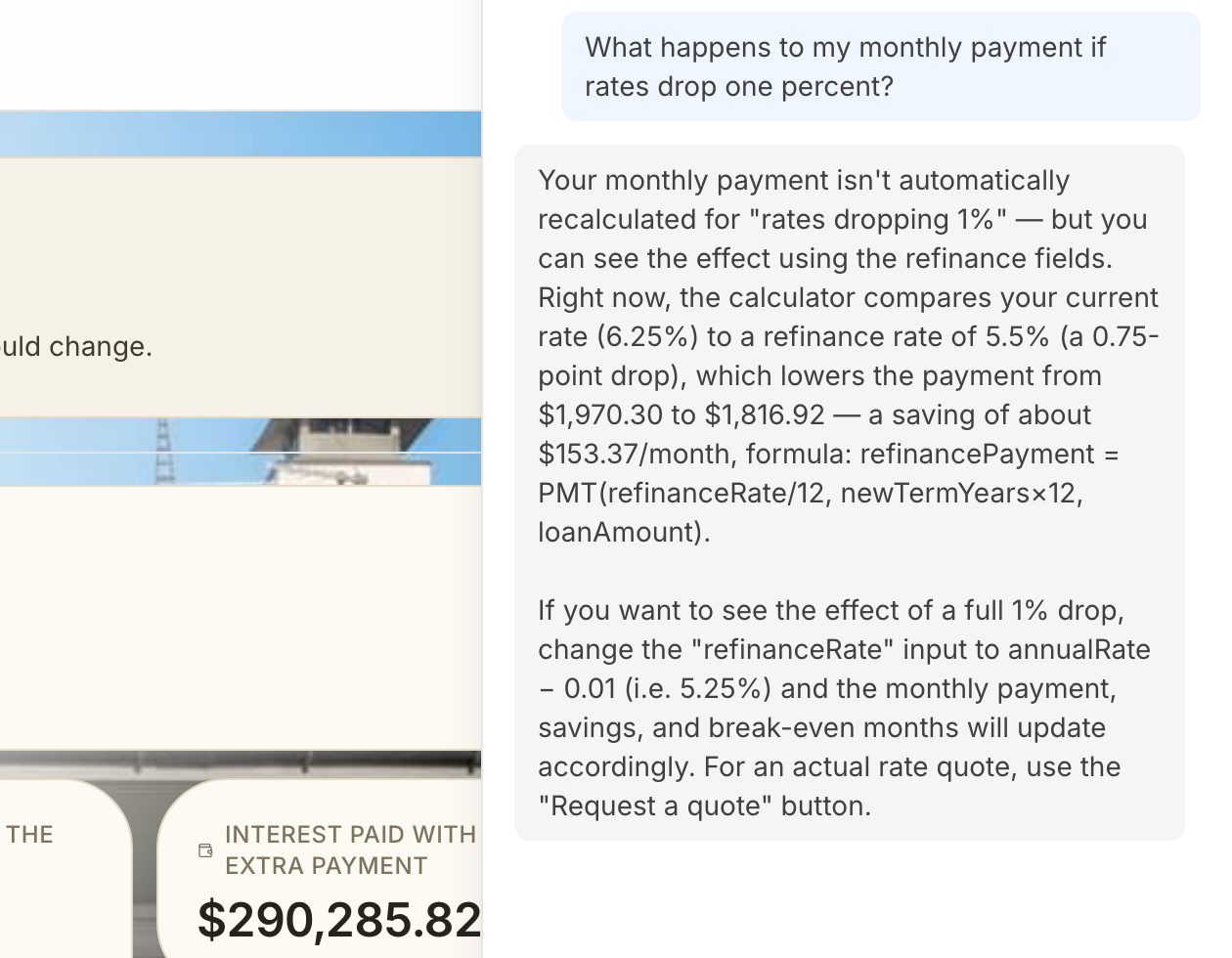
Page assistant
It answers questions about the numbers.
A Studio app can carry an assistant. A visitor asks "what happens to my payment if rates drop one percent" and the answer is computed from the same formulas the page runs, not scripted. Your notes tell it what to say about rates, fees and when to hand off to you.
- Opens from an Ask button on the page
- Answers are computed, from your formulas
- Your notes set what it may and may not say
- 500 answers a month on Studio
Leads
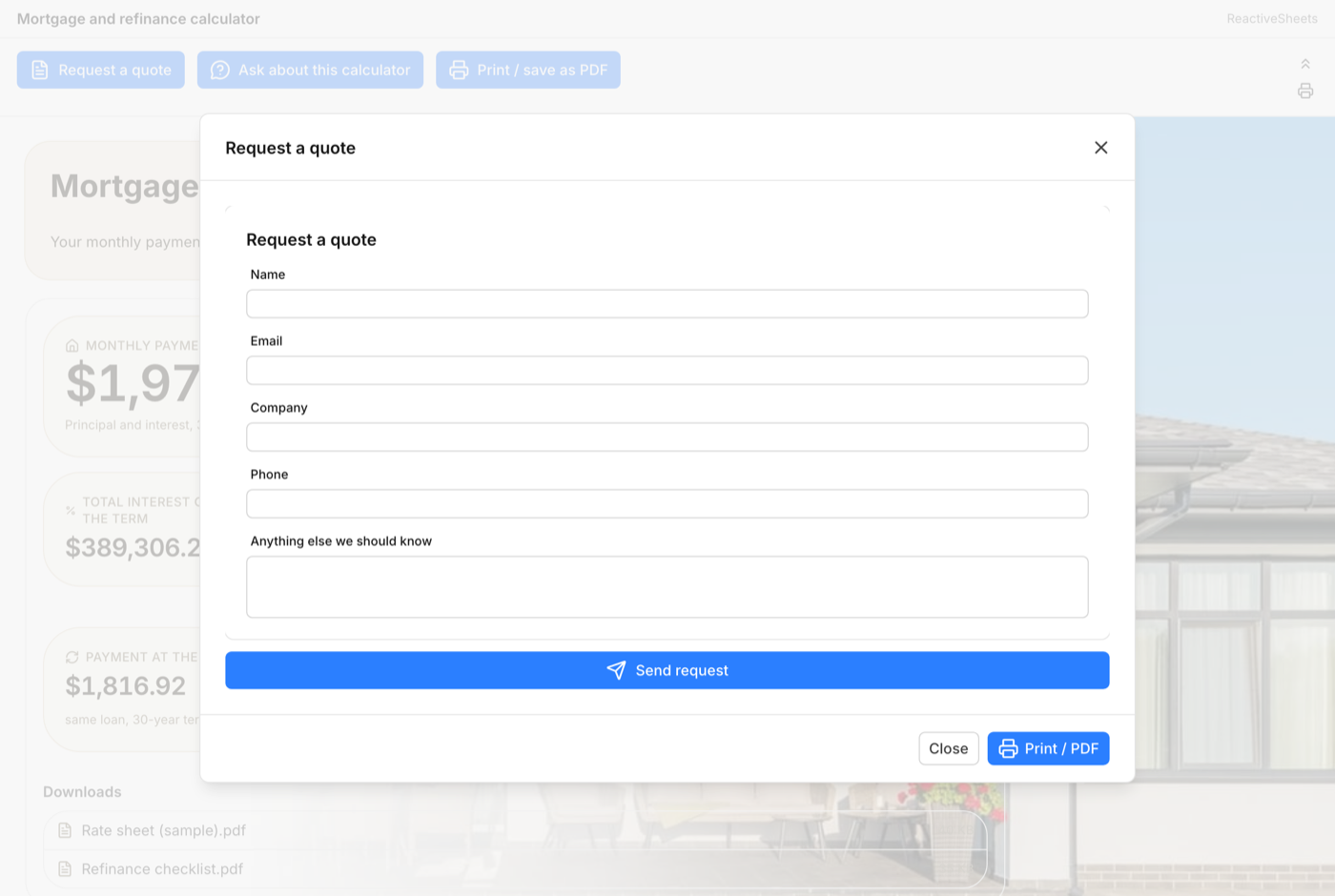
A quote request carries the numbers with it.
The Request a quote button packages the visitor's inputs, their results and their contact details, and sends them to your inbox together. You answer a request that already has the loan amount, the rate and the payment in it.
- Inputs and results arrive with the contact
- Sent to the address you choose
- On Studio, every lead is also kept in a list you can export
Files on the page
Your documents, next to the calculator.
Attach the papers that belong with the numbers: a rate sheet, a refinance checklist, disclosures. Visitors download them from the page without being sent anywhere else.
- Any file you upload, listed on the page
- Downloads, no detour

Pages
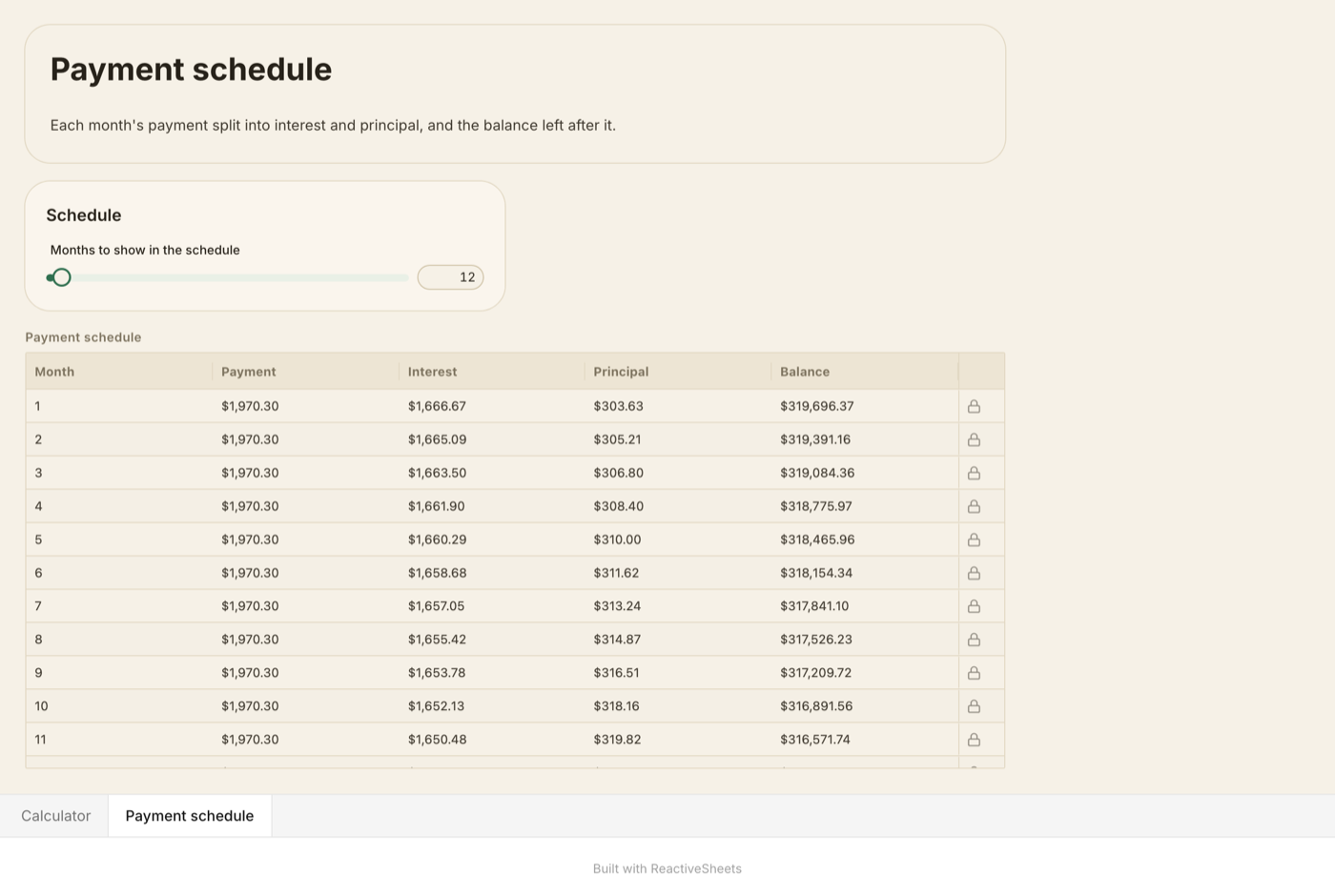
More than one page, when the workbook earns it.
The calculator up front; the month-by-month payment schedule on a page of its own. One workbook can become a small app, not just a single form.
- The calculator and the schedule, each on its own page
- Navigation the build lays out for you
Your brand
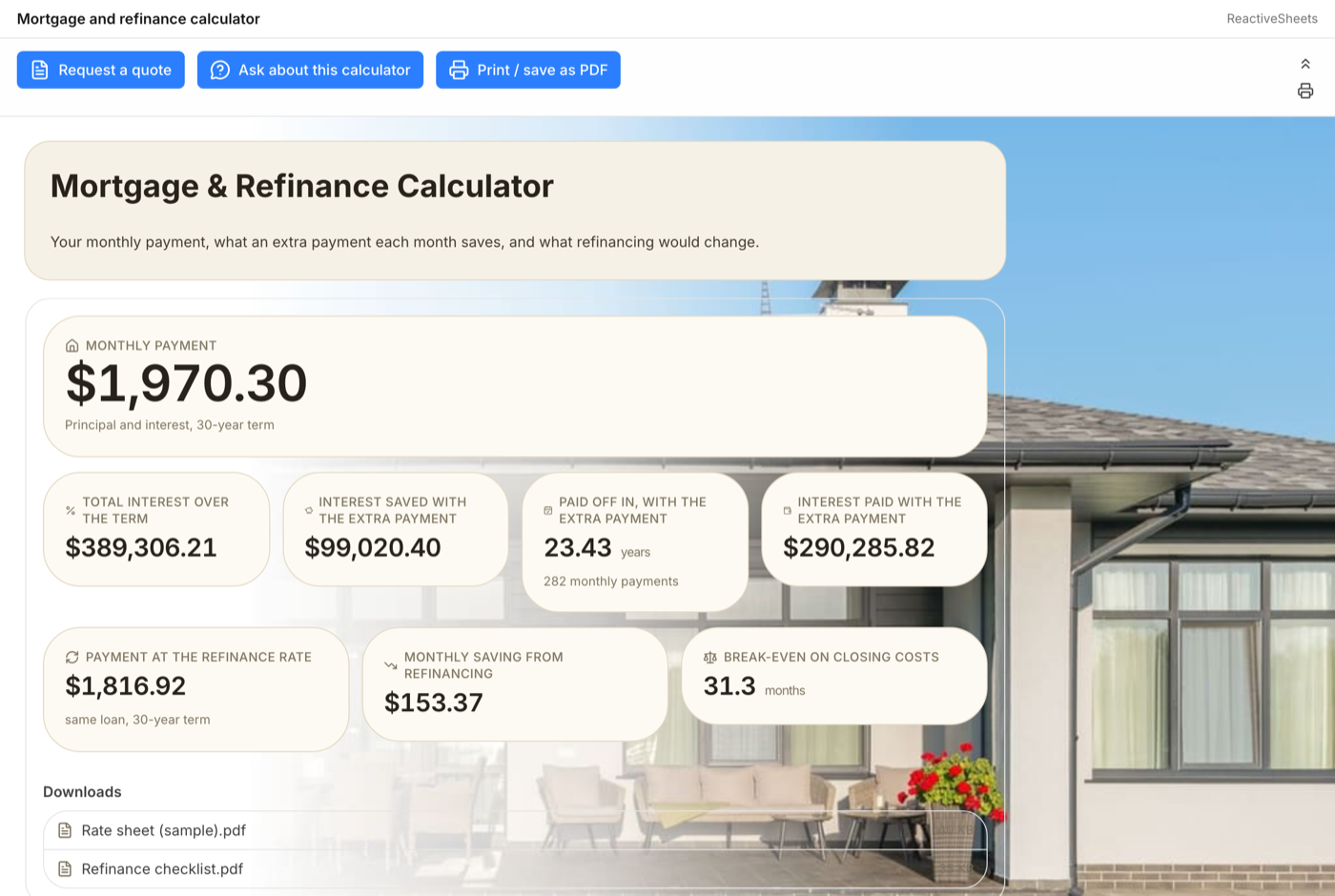
Your colors, your logo, your address.
The build reads your website and follows it: colors, fonts, buttons. The app lives under your address, standalone or embedded in a page you already have. On Studio, the ReactiveSheets footer comes off.
- Built to match your site, not ours
- Embed with one line, or share the link
- No ReactiveSheets footer on Studio
Checked numbers
Checked against your workbook, cell by cell.
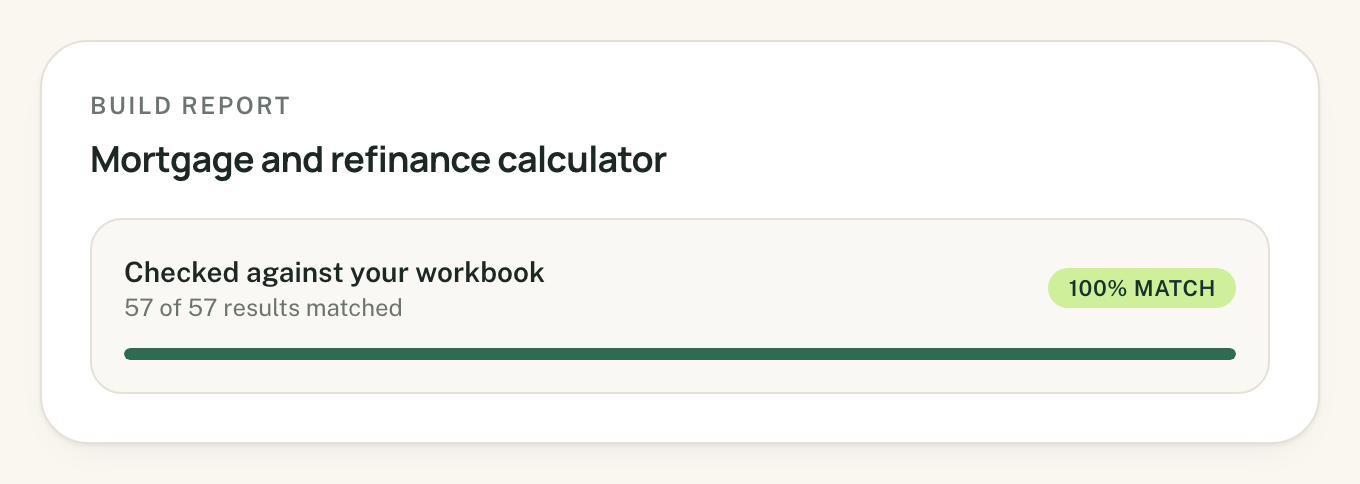
Every build is compared with the values stored in your spreadsheet before you see it. This app's report: 57 of 57 outputs matched. When something doesn't match, the report says which cell.
- Every output compared with your sheet
- The report comes with the preview
- A failed build is not counted against your month
Your spreadsheet knows the answer.
Let your website share it.
Upload a workbook, get a preview. Publish when it's right.