From workbook to web app
Turn your spreadsheet
into a web app.
Upload it. We rebuild it as a web app that you can share, embed on your site, or reach through your AI.
The preview is free. We ask you to sign up when you start the build so we can deliver your app — a build takes about 15 minutes. No credit card to build and preview, and your workbook stays private.
- No coding
- Your formulas keep working
- Publish from $29 a month
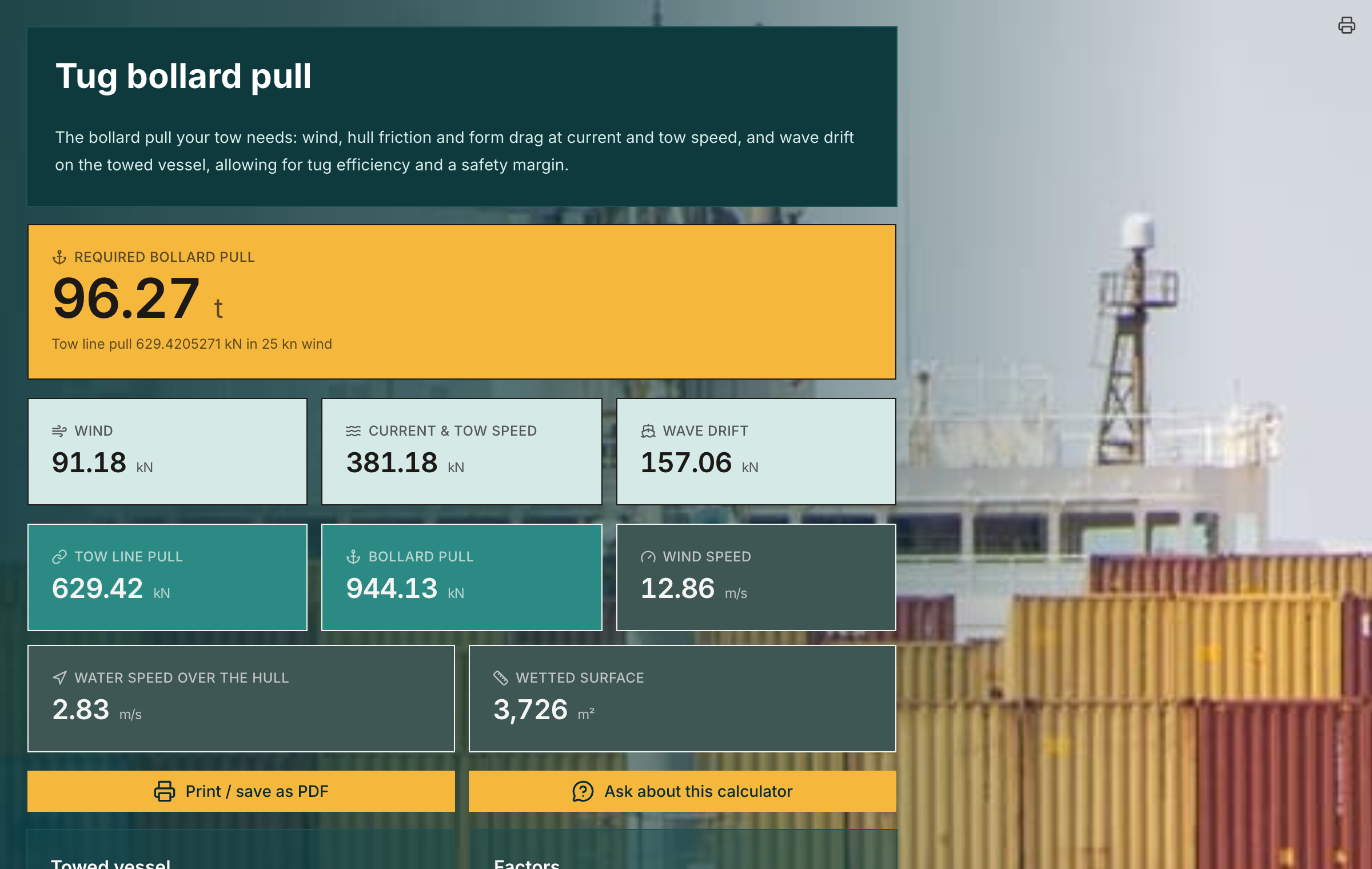
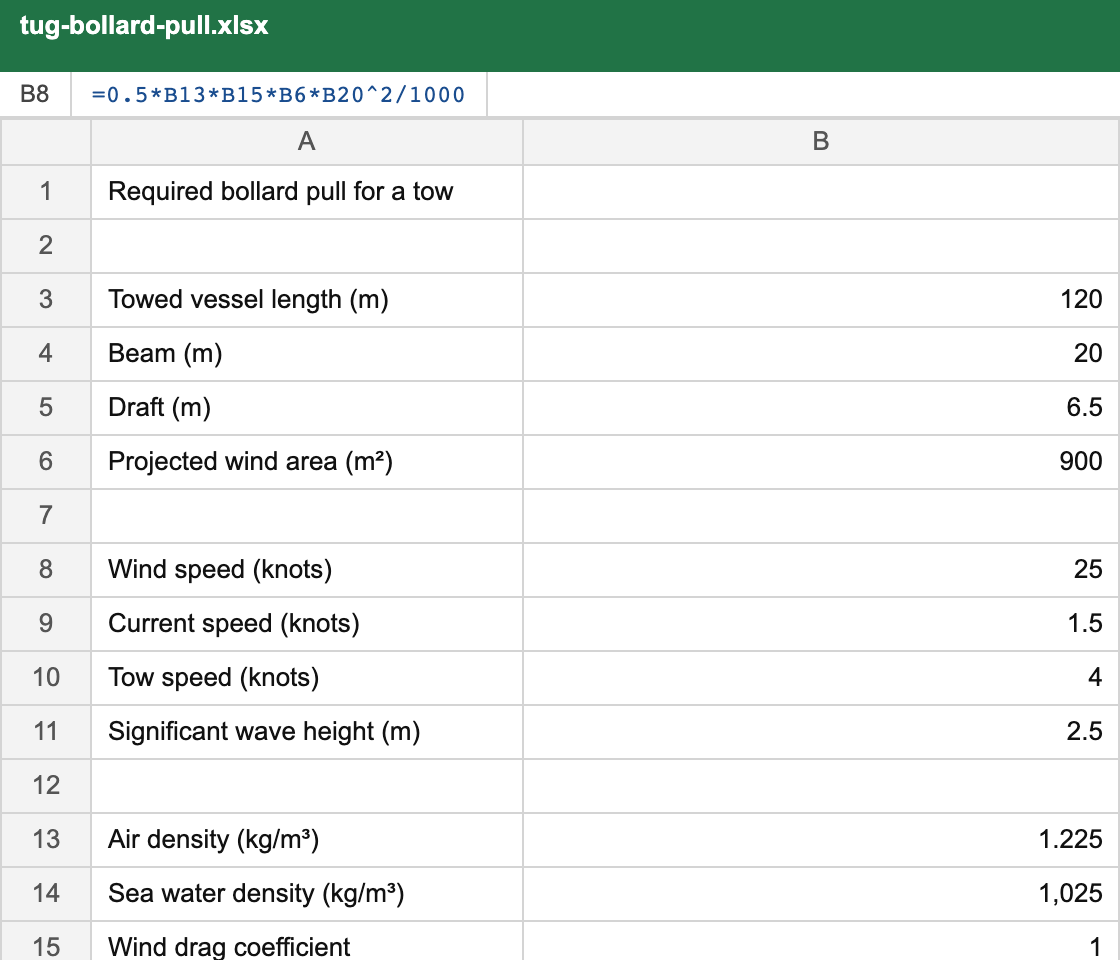
From this … to this
Because nobody ever said
Excel looked pretty.
Your spreadsheet already does the thinking. We rebuild it as a web app with clear inputs and useful results, check it against your own numbers, and give it a home on a page your customers already visit.
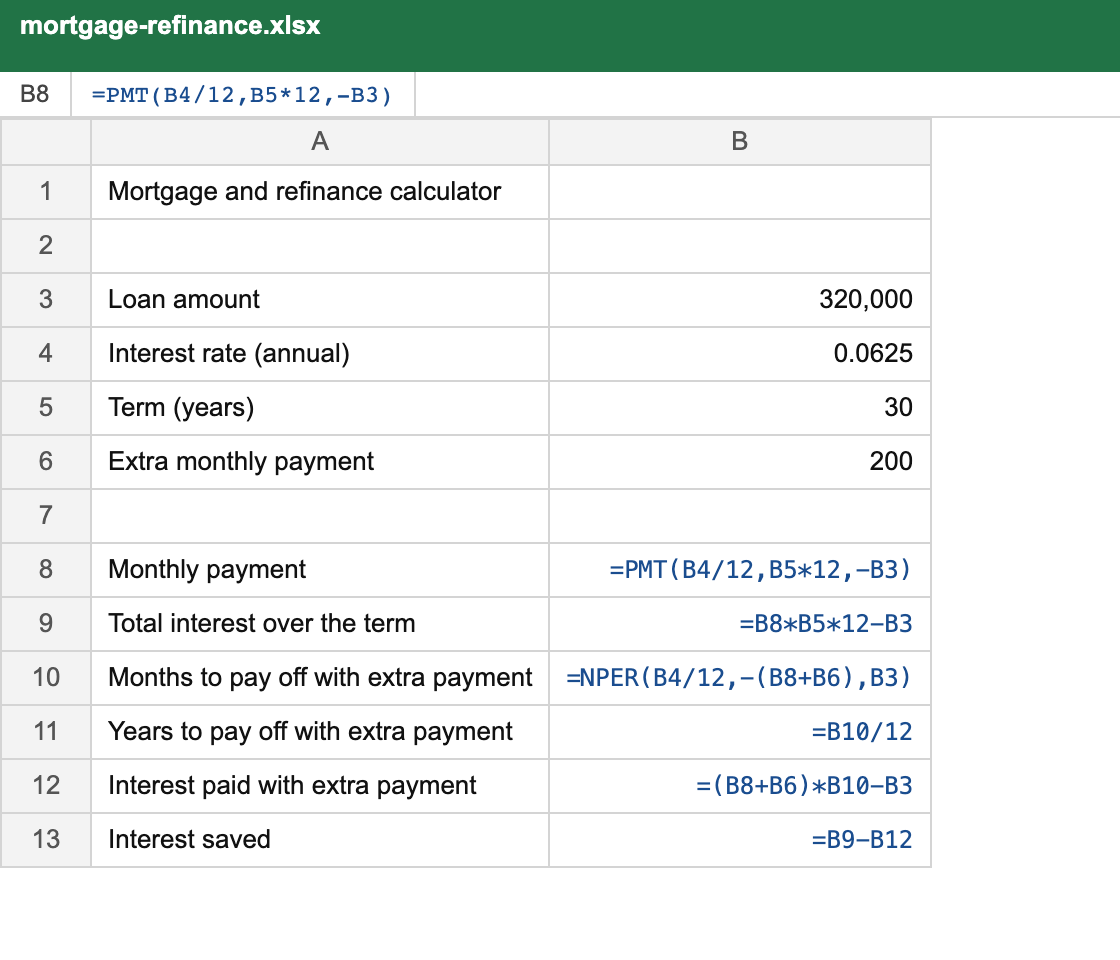
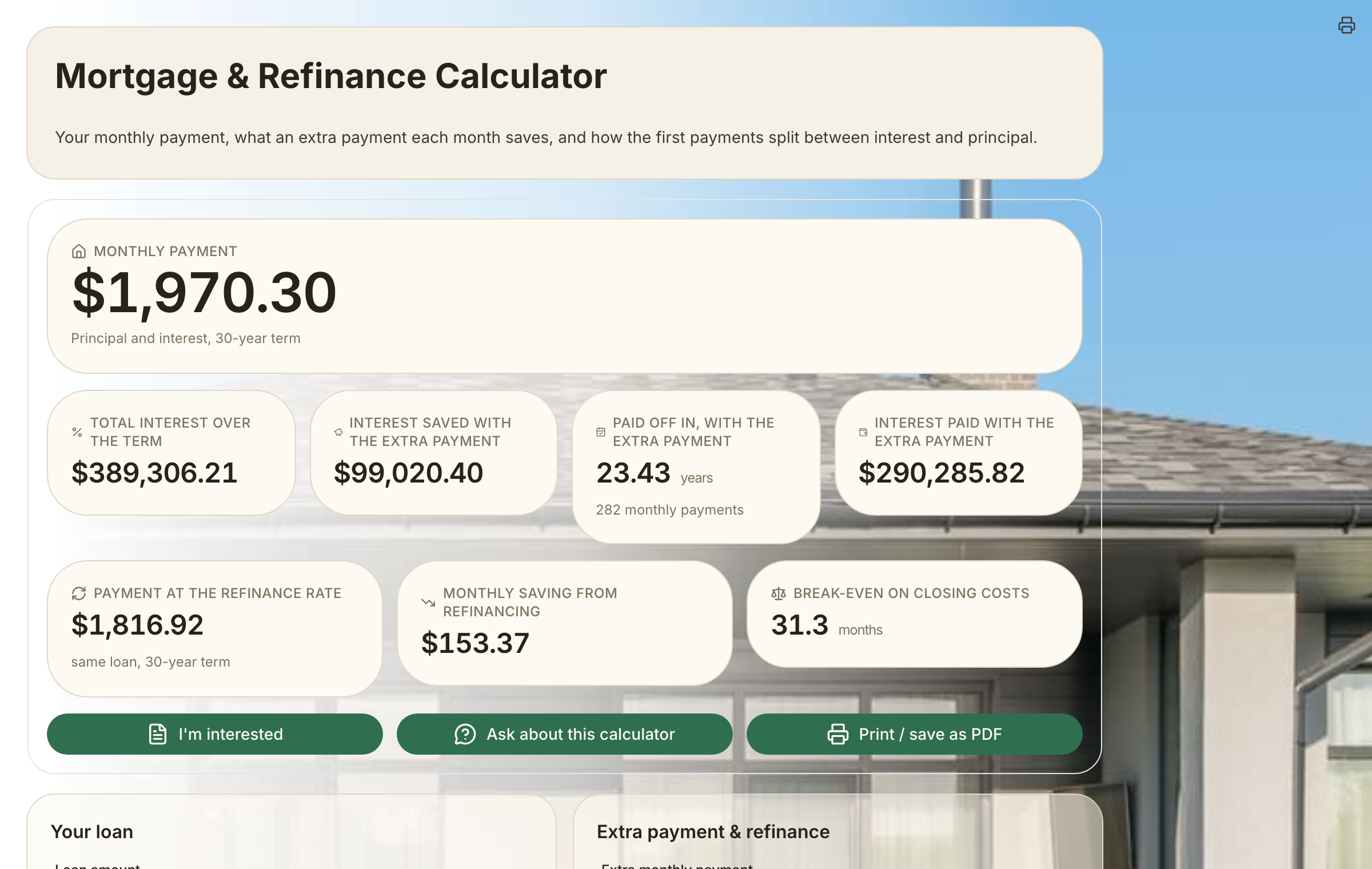
Try the first one
Both run live on the examples page. Every build comes with a check that the results match the workbook's.
From spreadsheet to website component
The logic stays yours. The busywork becomes ours.
01
Start with your workbook
Upload it with a few notes about who uses it and what for. We identify the inputs, formulas and outputs and flag anything the sheet depends on.
02
We rebuild the logic
The calculation becomes a model with its own rules and lookups. The workflow is arranged into focused, usable pages.
03
The results are checked
Every output is compared with your workbook's own numbers. You get the receipt with the preview.
04
Make it yours and publish
Pick the purpose, the access, the buttons. Add your logo. Publish as an embed, an app, or both.
Your spreadsheet knows the answer.
Let your website share it.
Preview for free. Pay only to publish — plans from $29 a month.